> For the complete documentation index, see [llms.txt](https://quest-chains.gitbook.io/quest-chains/llms.txt). Markdown versions of documentation pages are available by appending `.md` to page URLs; this page is available as [Markdown](https://quest-chains.gitbook.io/quest-chains/guides/quester-guides/how-to-mint-the-nft-after-review.md).
# How to mint the NFT after review
Minting of NFT after review is done
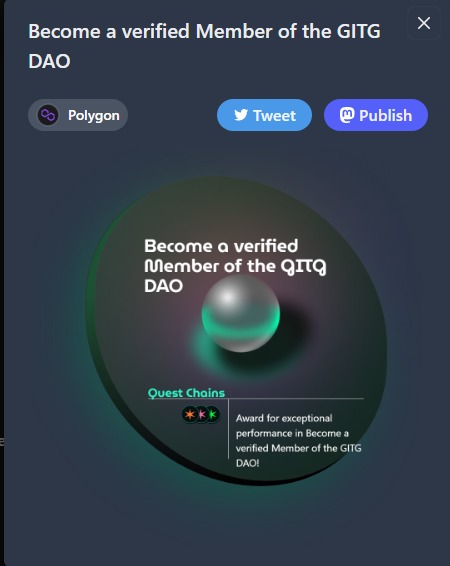
After the review is done and the submission has been completed the user(Quester) can now be able to Mint and claim their NFT by going to the page of a specific quest chain or by viewing their profile;
Step 1: Go to the user(Quester) profile
Step 2: Click on MINT YOUR NFT
Step 3: Approve the transaction on your wallet
Now your NFT appears on the NFT gallery as a new badge
Now Quest has been completed and the reward for completion has been claimed!
Share your Progress! 🎉🎉🎉
.jpeg?alt=media&token=77965230-75ee-4f01-8358-ee4cc388e249)